 Block
BlockHow Many A4 Sheets Make an A1 or A0 Poster?
Discover exactly how many A4 sheets you need to print an A1 or A0 poster at home. Complete ISO conversion chart, grid layouts and printing tips.
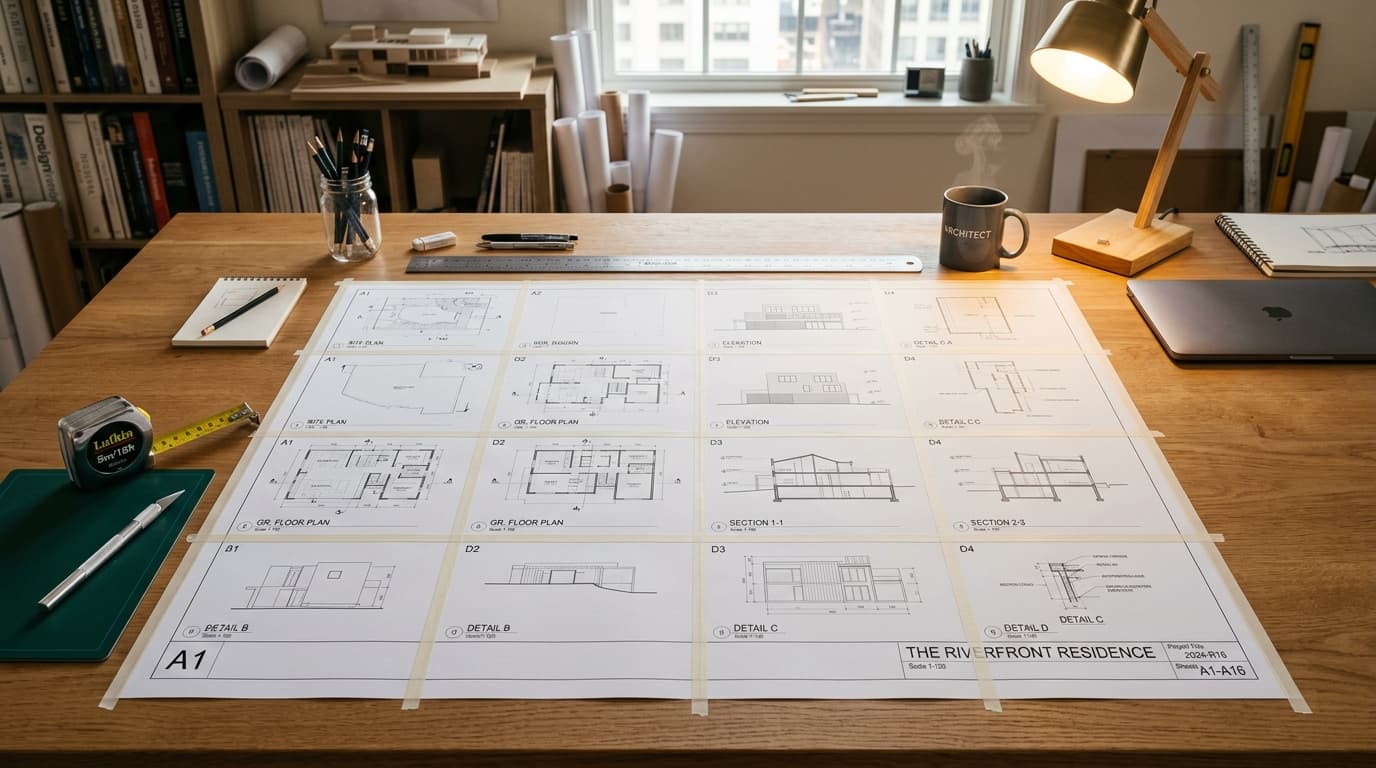
Commercial print shops charge premium rates to print large architectural blueprints, scientific research posters, and decorative wall art on specialized wide-format plotters. If you have an ordinary desktop printer that only feeds standard A4 paper, you might wonder: Can I print an A1 or A0 poster at home, and exactly how many A4 sheets will it take?
The short answer is straightforward:
- It takes exactly 8 A4 sheets to make an A1 poster.
- It takes exactly 16 A4 sheets to make an A0 poster.
- It takes exactly 4 A4 sheets to make an A2 poster.
Complete A-Series to A4 Sheet Conversion Matrix
Use this quick reference table to find the exact sheet count, grid layout, and physical dimensions for any target poster size:
| Target Poster Size | Physical Dimensions (mm) | Physical Dimensions (Inches) | Number of A4 Sheets | Grid Layout (Wide × Tall) | Total Surface Area |
|---|---|---|---|---|---|
| A4 (Standard Sheet) | 210 × 297 mm | 8.3 × 11.7 in | 1 sheet | 1 × 1 | 0.062 m² (0.67 sq ft) |
| A3 (Double Page) | 297 × 420 mm | 11.7 × 16.5 in | 2 sheets | 2 × 1 or 1 × 2 | 0.125 m² (1.35 sq ft) |
| A2 (Medium Poster) | 420 × 594 mm | 16.5 × 23.4 in | 4 sheets | 2 × 2 | 0.250 m² (2.69 sq ft) |
| A1 (Large Poster) | 594 × 841 mm | 23.4 × 33.1 in | 8 sheets | 2 × 4 (or 4 × 2) | 0.500 m² (5.38 sq ft) |
| A0 (Giant Poster) | 841 × 1,189 mm | 33.1 × 46.8 in | 16 sheets | 4 × 4 | 1.000 m² (10.76 sq ft) |
| 2A0 (Mural Display) | 1,189 × 1,682 mm | 46.8 × 66.2 in | 32 sheets | 4 × 8 (or 8 × 4) | 2.000 m² (21.53 sq ft) |
Understanding Tiling Orientation for A1 Posters
Notice that for an A0 poster, the layout is a symmetrical 4 sheets wide by 4 sheets tall, regardless of whether your individual A4 sheets are oriented portrait or landscape.
However, for an A1 poster (8 sheets), the layout depends on your target orientation:
- To make a Portrait A1 poster (594 mm wide × 841 mm tall), place 2 landscape A4 sheets across by 4 sheets down, or 4 portrait A4 sheets across by 2 sheets down.
- To make a Landscape A1 poster (841 mm wide × 594 mm tall), reverse the configuration.
What About US Letter Paper? (The International Trap)
If you live in the United States, Canada, or parts of Latin America, your standard printer paper is not A4; it is US Letter (8.5 × 11 inches / 216 × 279 mm).
US Letter paper is slightly wider and shorter than A4 (an aspect ratio of 1 : 1.29 instead of 1 : 1.414). Because US Letter does not adhere to the ISO √2 ratio, scaling requires slightly different grid configurations to avoid unwanted edge cropping:
US Letter to Poster Conversion Table
| Target Poster Size | Finished Dimensions (Inches) | Equivalent Metric Size | Number of US Letter Sheets | Recommended Grid Layout (Wide × Tall) |
|---|---|---|---|---|
| Medium Display (18 × 24 in) | 18 × 24 in | ~457 × 610 mm | 4 sheets | 2 × 2 sheets |
| ISO A2 Poster | 16.5 × 23.4 in | 420 × 594 mm | 4 to 6 sheets | 2 × 2 or 2 × 3 sheets |
| Standard Poster (24 × 36 in) | 24 × 36 in | ~610 × 914 mm | 9 sheets | 3 × 3 sheets |
| ISO A1 Poster | 23.4 × 33.1 in | 594 × 841 mm | 9 sheets | 3 × 3 sheets |
| Giant Poster (36 × 48 in) | 36 × 48 in | ~914 × 1,219 mm | 16 sheets | 4 × 4 sheets |
| ISO A0 Poster | 33.1 × 46.8 in | 841 × 1,189 mm | 16 to 20 sheets | 4 × 4 or 4 × 5 sheets |
If you are using US Letter paper, make sure to select "US Letter" in your print settings in Block Poster so the tiling engine calculates borders for your specific paper format.
How to Print an A1 or A0 Poster at Home with Block Poster
You can generate a print-ready multi-page PDF in under two minutes without downloading software:
Step 1: Upload Your Image
Go to the free Block Poster Maker and upload your high-resolution graphic, photograph, or PDF blueprint.
Step 2: Select A4 Paper Format
Under the paper settings, choose A4 (or US Letter if based in North America). Choose Portrait or Landscape orientation to match the geometry of your picture.
Step 3: Set Your Grid Size
- For an A1 Poster (8 sheets): Set the width slider to 2 pages wide (if paper is in landscape) or 4 pages wide (if paper is in portrait). The live preview will indicate an 8-page total.
- For an A0 Poster (16 sheets): Set the width slider to 4 pages wide. The live preview will show a 4 × 4 grid (16 pages total).
Step 4: Enable Overlap Seams
Turn on the overlap option to include a thin guide border. This ensures that even on printers with wide non-printable margins, you can easily align and tape your poster together.
Step 5: Download and Print
Click Generate PDF. The entire document is compiled inside your browser. Open the PDF in Adobe Acrobat Reader or your default viewer, select Actual Size (100% scale) in your print dialog, and print your pages.
Summary Checklist
- Exact sheet counts: An A1 poster takes 8 A4 sheets; an A0 poster takes 16 A4 sheets.
- No aspect ratio distortion: ISO A-series paper scales perfectly at 1:1.414 without stretching.
- Choose your grid layout: Set 4 pages wide for an A0 poster (16 sheets) and 2 to 4 pages wide for A1 (8 sheets).
- Match paper format: Select A4 or US Letter in Block Poster to prevent unexpected cropping.
- Print at 100% scale: Ensure your PDF print dialog is set to "Actual Size" to prevent unwanted shrinking.
Turn your photo into a wall-ready poster right now.