 Block
BlockTurn Any Image Into a Huge Block Poster
Upload your image, adjust paper margins, overlap guides, crop the image in real-time, and download your print-ready PDF.
Upload image file
Drag & drop your JPG or PNG photo here, or browse files. Handles heavy high-resolution files easily.
100% Private ProcessingFree Block Poster Maker Online, No Sign-Up
Generate a gorgeous block poster from any photo in seconds. Our free browser tool is the ultimate block poster creator, slicing images locally so you can print a massive block poster right at home with complete privacy.
Why Block Poster is the Ultimate Block Poster Maker
Everything you need to turn standard photos into huge physical murals without spending a dime or compromising your personal privacy.
100% Secure & Private
Unlike traditional web tools, our block poster converter handles 100% of the image rendering locally inside your browser. Your high-res files are never uploaded to any server.
Zero File Size Limits
Since your PC's browser does all the heavy lifting, you can upload massive panoramic photos or large scale 100MB graphic files. Our local block poster generator bypasses the typical 5MB online limit.
Seamless Assembly
Adjust overlap guides from 0 to 20mm with real-time visual grid previews. Stitching your block poster panels is a breeze with exact coordinates printed on each sheet corner.
Block Poster Assembly Guide
Follow this simple, calculated sequence to turn standard home A4 pages into a massive seamless poster.
Upload & Crop
Drag your picture into the workbench. Use our visual box handles to select exactly what region you want to include in the slicing matrix.
Configure Grid
Adjust pages wide/high. Control printer cutoffs with custom margin settings, and set overlap guides to provide easy gluing edges.
Print at 100%
Export to a high-fidelity PDF. When sending to print, ensure your machine is locked to "Actual Size" (never fit-to-page).
Align & Glue
Arrange pages using corners labels (1-1, 1-2). Trim one overlapping edge, align with adjacent sheet grid, and glue or tape together.
See Block Poster in Action
Discover how educators, party planners, and home designers are using our free poster maker to bring their large-scale visual ideas to life.
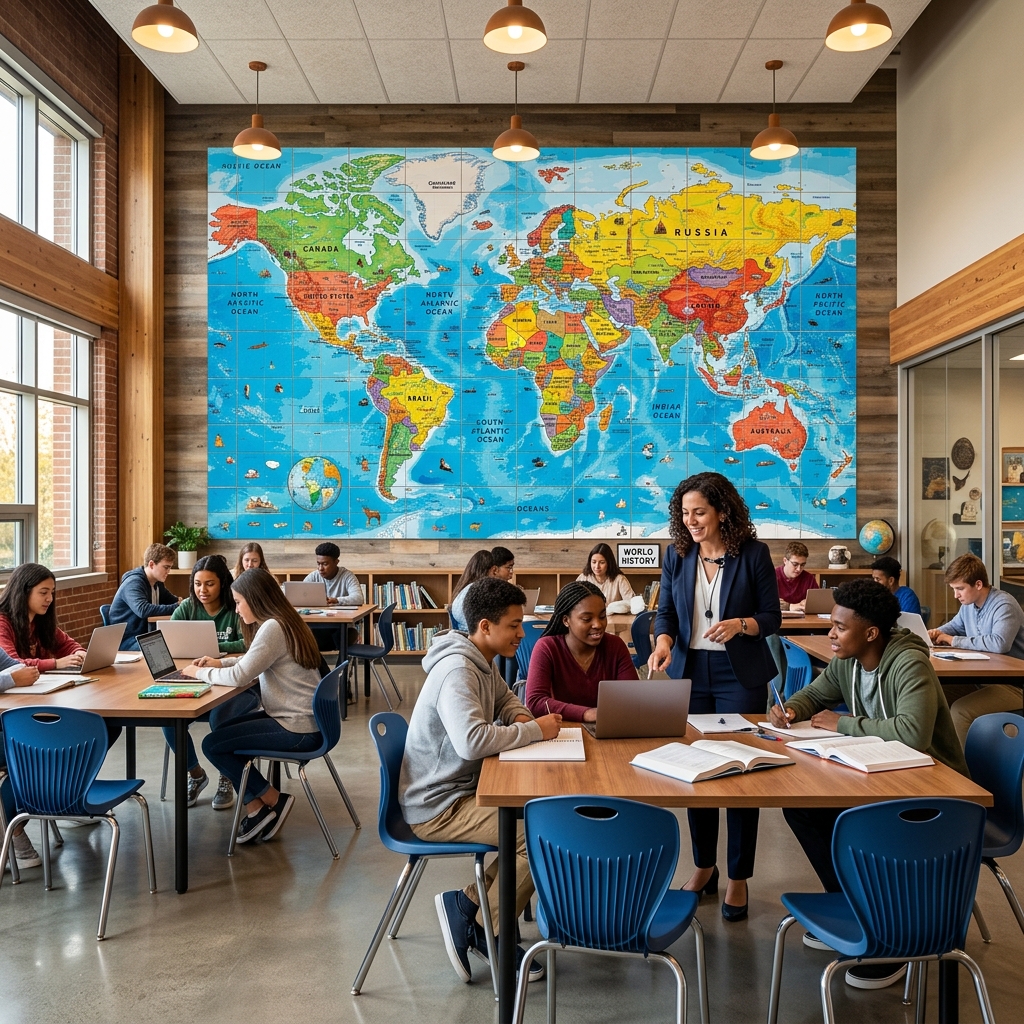
Gigantic Classroom Visuals & Map Graphics
Easily turn digital graphics, maps, and study guides into a gigantic block poster using standard home printers. A high-performance block poster maker allows teachers to slice any educational image into a printable block poster multi-page array. When tiled together, these standard sheets assemble into a beautiful, high-impact block poster classroom display at a fraction of the cost of professional wide-format print services.
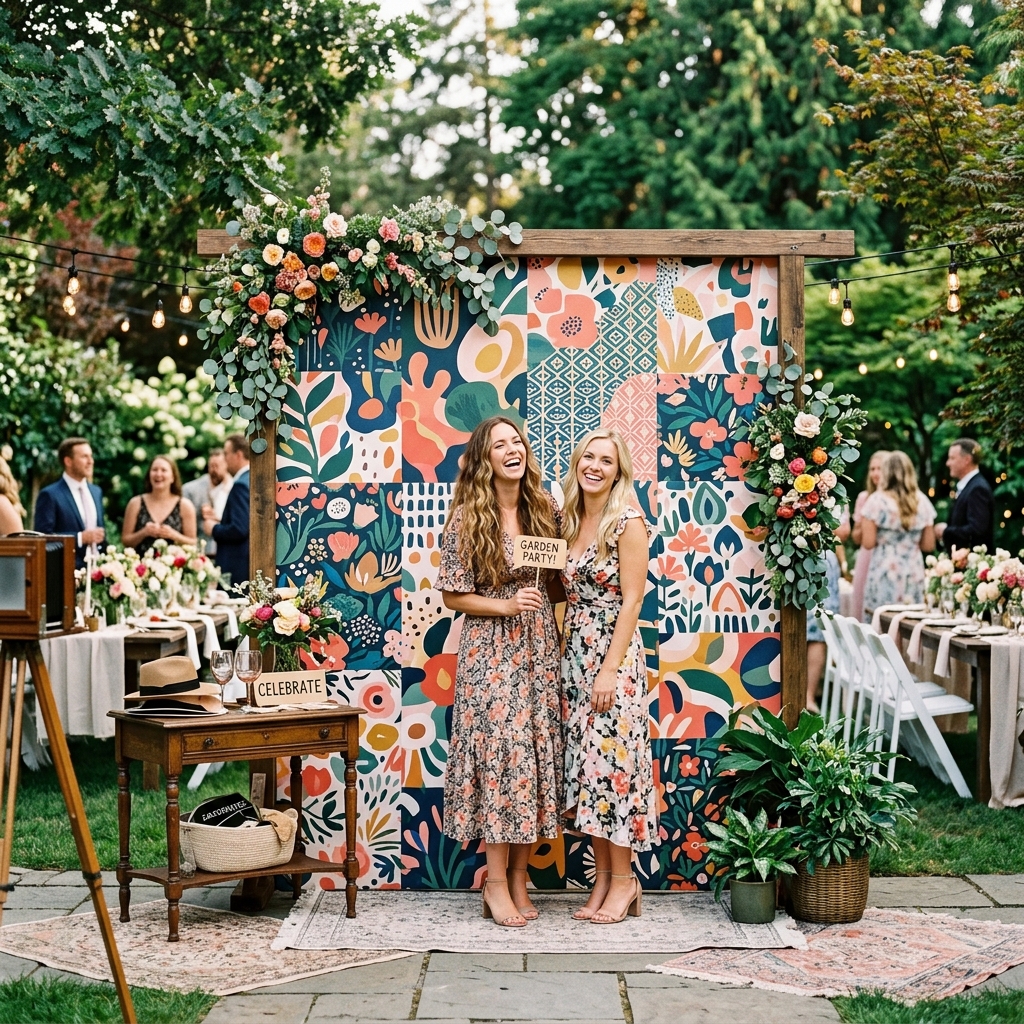
Vibrant Event Backdrops & Custom Party Banners
Craft a custom block poster birthday backdrop, wedding welcoming banners, or decorative panels right from your home desktop. Our local block poster maker handles grid adjustments, margins, and overlap slicing seamlessly. Combine custom size configurations with our High-Fidelity 300 DPI layout exports to achieve a crisp block poster that looks perfectly seamless and aligns easily.
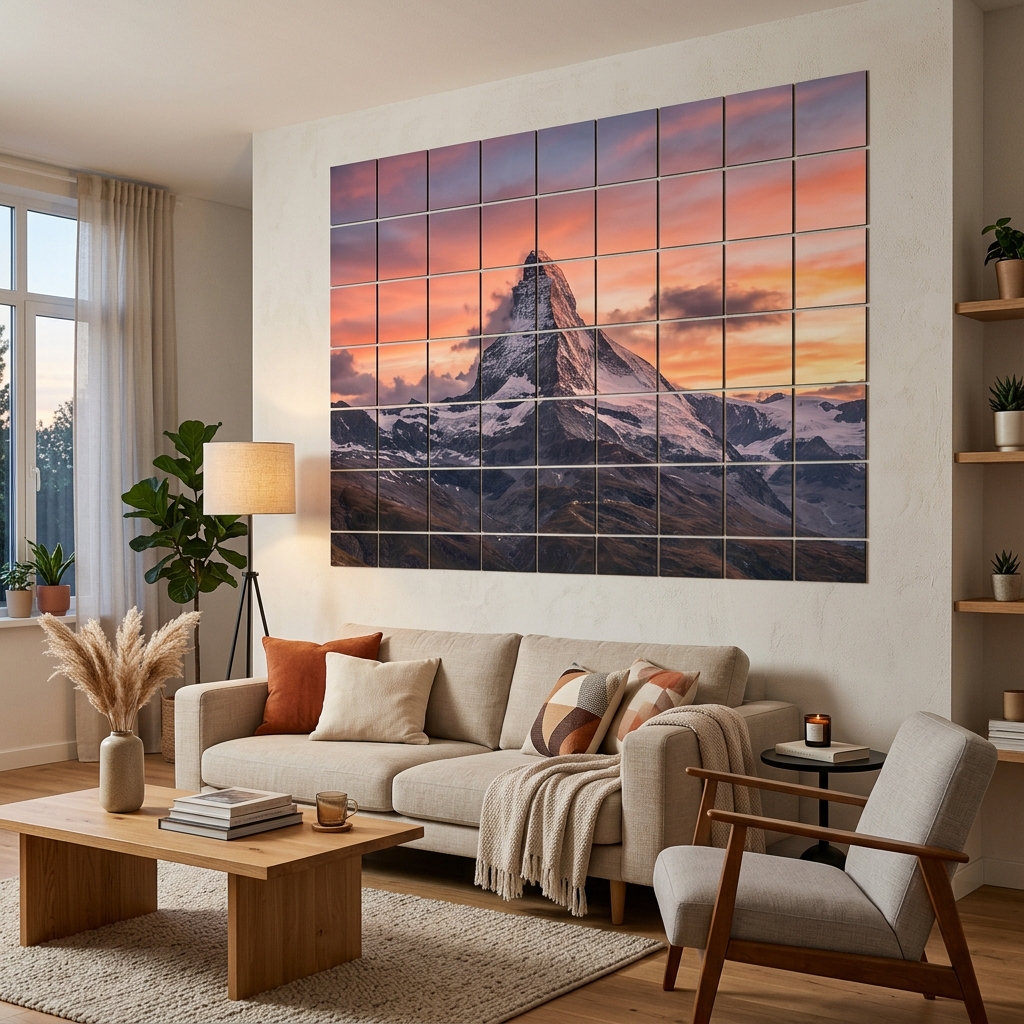
Stunning Wall Art, Photos, & Panoramic Murals
Transform beautiful panoramic photography, landscape designs, or personalized graphics into a custom multi-panel block poster mural. Our browser-local block poster maker splits any size image into high-resolution grids without ever uploading your high-res files to external servers. Maintain absolute creative control over margins, layout scale, and crop boundaries to make the perfect block poster instantly.
Who is Using Block Poster?
Our free tool is designed to serve a diverse, creative community of makers.
Teachers & Academics
Quickly scale up a visual block poster, blueprints, map layouts, classroom diagrams, or alphabet charts without exhausting department budgets.
Artists & Designers
Mockup a massive block poster for portfolio presentations, exhibition plans, or abstract wall paintings to visualize spatial scale before formal installation.
DIYers & Hobbyists
Design custom birthday block poster backdrops, print massive vacation family portraits, or construct giant paper crafts with your kids.
Ready to Create Your Massive Block Poster?
Drag in your custom graphic, configure your print grid, and generate your printable PDF in seconds.
Frequently Asked Questions
Everything you need to know about creating large format prints from images.
Q.How much does this block poster maker cost?
Absolutely nothing! This service is completely free, does not require email registration, and does not add watermarks to your downloadable sheets. We believe in providing accessible DIY solutions for teachers, artists, families and others.
Q.Why is browser-local processing better?
Because our block poster maker works entirely in your browser, it protects your absolute privacy. Your images are never sent to a remote server. Plus, it bypasses upload bandwidth limits, enabling lightning-fast slicing for high-resolution images.
Q.What paper sizes are supported?
You can set up your layout for standard A4, A3, and US Letter sizes in both Portrait and Landscape orientations. Our grid layout engine auto-updates to reflect the exact physical dimensions of your final mural.
Q.Is there an overlap margin guide?
Yes! You can slide the overlap setting up to 20mm. Our interactive editor highlights the overlap zones with dashed lines and semi-transparent layers, so you can precisely see where the pages will overlay.