 Block
BlockFree Merge Image Online
Easily merge images into high-resolution collages, horizontal panoramas, vertical stacks, or freeform canvas compositions.
Upload image file
Drag & drop your photo here, or browse files. Handles heavy high-resolution files easily.
100% Private ProcessingWhy You Need an Effortless Way to Merge Image Files
Easily merge image files into side-by-side comparisons, panoramic landscapes, or social collages. Our dedicated online tool empowers creators to merge image layouts cleanly without complex desktop graphic software.
Powered by client-side HTML5 Canvas technology, you can merge image files directly in your browser with zero server uploads, no file size limits, and instant lossless output.
Side by Side
Horizontal joins
Photo Grids
NxM multi-columns
Freeform Canvas
Scale & layered z-index
100% In-Browser
Zero server uploads
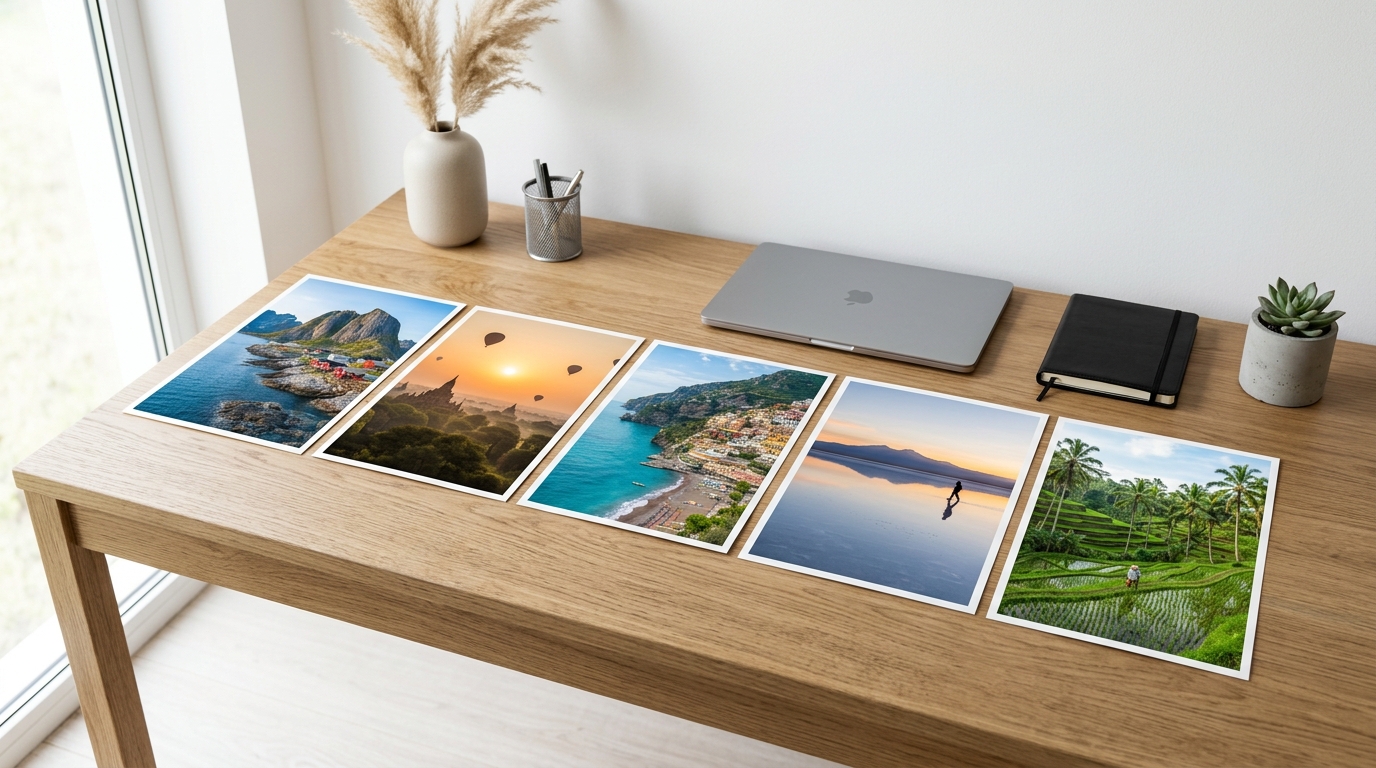
4 Specialized Modes to Merge Image Formats
Explore how our layout engine handles aspect ratios, scaling math, and padding spacing whenever you merge image files across all 4 operational modes.
Horizontal Stitching
Allows you to merge image files along a horizontal baseline. Automatically scales photos to match identical heights without distortion, preventing uneven jagged tops and bottoms.
Ideal For:
Before/after comparisons, panoramic strips, landscape diptychs.
Vertical Stacking
Enables you to merge image files in an unbroken vertical ribbon. Normalizes widths to maintain clean vertical margins, making it ideal for mobile feeds, recipes, and Pinterest.
Ideal For:
Infographics, cooking step guides, comic webtoons, story highlights.
NxM Matrix Grid
Designed to merge image collections across dynamic rows and columns. Sliders let you set custom column counts (2 to 6 cols) while uniform cell aspect ratios keep photos harmonious.
Ideal For:
E-commerce square catalogs, event recaps, Instagram photo grids.
Freeform Collage
Gives you freedom to merge image layers freely. Drag, resize, rotate angles (-180° to 180°), and re-order z-index layers across a custom canvas background.
Ideal For:
Creative scrapbooking, vision moodboards, magazine editorial art.
How to Merge Image Files in 4 Easy Steps
To achieve the highest visual balance and studio quality every time you merge image files, follow these four straightforward steps:
High source resolution + lossless PNG export ensures razor-sharp composites on any Retina or print display.
Select & Import Photos
Drag and drop multiple PNG, JPG, or WebP files directly into the workspace to merge image collections, or click Add Images to choose files from your local storage.
Pick Layout & Reorder
Toggle between Horizontal, Vertical, Grid, or Freeform layouts. Drag and drop any photo cell to reorder positions smoothly, or rotate individual frames 90°.
Fine-Tune Details & Gaps
Adjust image spacing sliders, border thickness, background canvas colors, and corner radiuses before you merge image elements into their final composition.
Render & Download Output
Click Export to save your high-resolution merge image result instantly as a crisp PNG or lightweight JPG, or copy it directly to your system clipboard.
Best Practices When You Merge Image Assets
Follow these three golden principles to achieve publication-ready balance, sharpness, and visual harmony every time you merge image assets.
Harmonize Photo Dimensions
Match photo resolutions before you merge image assets. Using crop or magnify mode keeps sharpness consistent across all cells.
Master Spacing and Margin Rhythms
When you merge image compositions, use 2px–4px gaps for comparisons, or generous 16px–24px spacing with rounded corners for editorial collages.
Select the Ideal Export Format
Choose PNG for crisp text, logos, and transparency; use JPG at 90% quality for lightweight photo sharing.
Frequently Asked Questions
Is it safe to merge image files containing sensitive personal photos?
How many photos can I merge image files into at once?
Can I merge image files with transparent backgrounds into a PNG?
How can I reorder or adjust individual pictures after adding them?
Does the merge image tool reduce original clarity and quality?
Can I use the merged images for commercial ads and e-commerce listings?
Yes, absolutely. The prerequisite is that you own full ownership and copyright of your own pictures. All merged outputs produced by this tool are 100% royalty-free and commercial-ready with zero watermarks.