 Block
BlockFree Split Image Online: High-Precision Image Splitter
Easily split image files into equal slices, custom NxM grids, fixed aspect ratios, or geometric shapes.No upload, No sign-up.
Drag & Drop Your Image Here
Supports high-resolution PNG, JPG, and WebP files.
Why Do You Need to Split Image?
Whether creating an Instagram 9-grid, a seamless panoramic carousel, or multi-page print tiles, a flexible image splitter gives you complete precision. Split image files locally in your browser with full privacy.
Easily adapt to strict social aspect ratios, overcome single-photo size limits, and export crisp, modular visual displays in seconds.
Social 9-Grids
Instagram & feeds
Swipe Carousels
Seamless panoramas
Multi-Page Print
A4 & Letter tiling
100% Private
Zero server uploads

Where is Split Image Most Useful?
Explore the primary creative and practical use cases where slicing images with our tool transforms ordinary graphics into stunning, high-engagement visual projects.
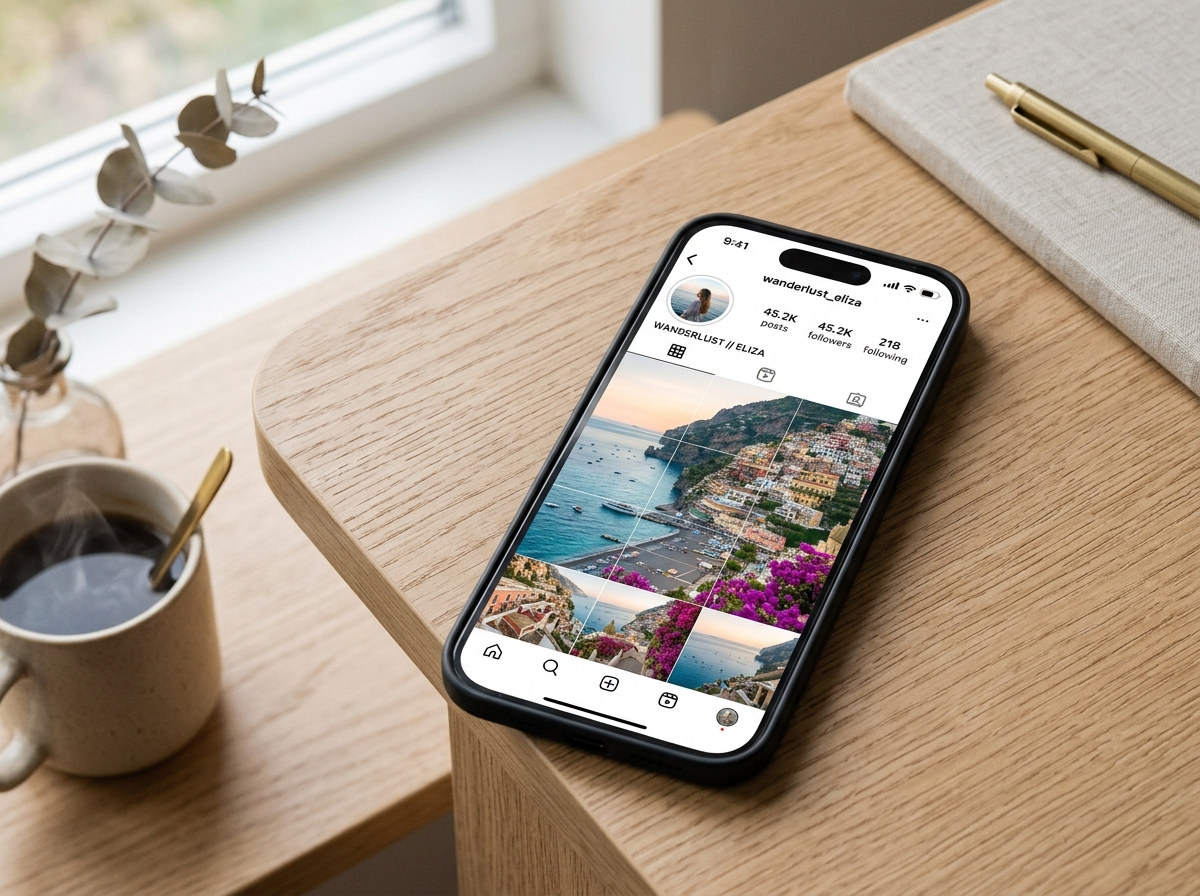
Instagram 9-Grid Layouts
Split photos into 9 seamless tiles that form an eye-catching, magazine-scale grid across your profile feed.
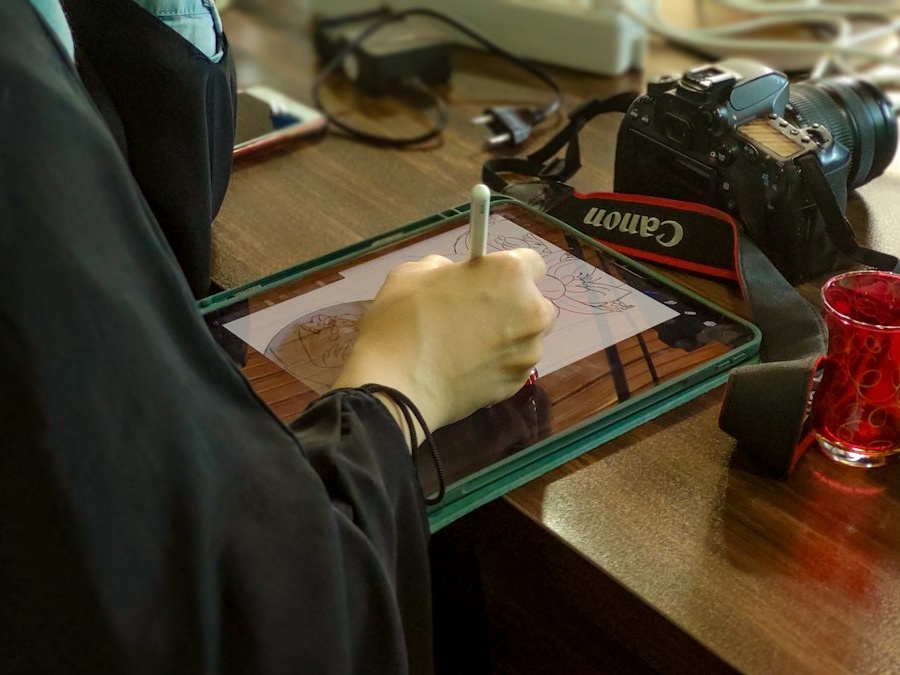
Avatars & Asset Cropping
Prepare square, circle, and rotated outputs for profile systems, listings, and support documentation.

Multi-Sheet Poster Murals
Tile oversized illustrations, maps, or photos across multiple standard sheets for easy printing and wall assembly.
6 Modern Ways to Split Image
Our versatile image splitter provides six dedicated operational modes so you can split image documents to satisfy any design, social feed, or printing requirement.
1. One-Tap Equal Slicing
Quickly split image files into 2 to 6 equal vertical or horizontal parts. Perfect for social swipe carousels and instant ZIP downloads.
2. Fixed Aspect Ratio Slicing
Lock aspect ratios to 1:1, 4:3, or 16:9 to split image compositions with precision. Freely position and pan with live pixel dimensions.
3. Exact Fixed Pixel Cutouts
Cut exact pixel dimensions like 512×512 or 256×256 px to split image graphics for website icons and game assets without blurriness.
4. Dynamic Resizing & Format Conversion
Scale graphics with locked aspect ratios and split image formats into JPG, PNG, or WebP with adjustable quality compression.
5. Fixed Shape & Circular Cropping
Use circular masks to split image subjects into clean avatars and badges with true transparent alpha backgrounds.
6. Matrix Grid (NxM) Splitting
Easily split image photos into custom rows and columns up to 10×10, featuring 3×3 grids and multi-sheet poster print tiles.
How to Split Image Files in 4 Easy Steps
Follow this simple, calculated sequence to split image graphics into flawless individual components:
Upload Your Image
Drag and drop your file into the workspace or click upload. Prepare to split image formats like PNG, JPG, or WebP with zero size limits.
Select Splitting Mode
Decide whether you need to split image panels with One-Tap Split, Fixed Ratio, Fixed Pixels, Shape, or a complete NxM matrix.
Fine-Tune Composition
Toggle between Move Crop Box and Position Image. Verify your lines before you split image boundaries to protect essential details.
Download Output
Click Download to let our image splitter generate your cuts. Multiple slices are zipped instantly into a bundle.
Best Practices When You Split Image Files
To achieve the highest visual quality every time you split image content, keep these practical recommendations in mind:
High source resolution + lossless export ensures razor-sharp splits on any Retina or print display.
Prioritize Source Resolution
When you split image graphics into multiple parts, each slice receives a fraction of the original width or height. Always start with high-resolution source photography so that each resulting slice remains crisp and sharp on Retina screens.
Use Lossless PNG for Text
If your goal is to split image graphics containing typography, screenshots, or vector illustrations, export using PNG. PNG prevents JPEG compression artifacts along fine edges when you split image files.
Double-Check Grid Alignment
Before clicking download, inspect the interactive guides. When you split image portraits, ensure that faces or critical focal elements are not awkwardly divided across slice boundaries.
Frequently Asked Questions
Will I lose quality when I split image files with this tool?
No. When you split image graphics in PNG mode, our engine reads the exact native pixel bitmap. Each sliced tile is exported with lossless fidelity, ensuring that fine textures, sharp text, and vibrant colors remain completely intact without compression artifacts when you split image files.
How does the image splitter bundle multiple sliced files?
Whenever you use One-Tap Split or Grid (NxM) to split image sets, the image splitter compiles a standard ZIP package right inside your browser memory. You receive a single, organized ZIP file for instant decompression.
Are my uploaded photographs stored on your server?
Never. We do not maintain any cloud processing backends. Every time you split image assets on this website, all calculations and canvas cuts occur locally inside your web browser. Your private photographs never cross the internet when you split image media with our application.
Can I create circular transparent stickers or profile avatars?
Yes! Select the "Fixed shape" mode and click the Circle button. The image splitter will automatically mask out the surrounding corners, making it effortless to split image portraits into circle badges.
Can I split image files on my smartphone or tablet?
Absolutely. Our tool is completely responsive and touch-friendly. You can easily split image photography directly on an iPhone, iPad, or Android phone, preview the dividing lines, and download the slices directly to your device.
Is there any limit to how many times I can split image files?
None at all. You can split image files as many times as you need. There are no daily limits, sign-up requirements, or paywalls. It is 100% free and open to everyone.